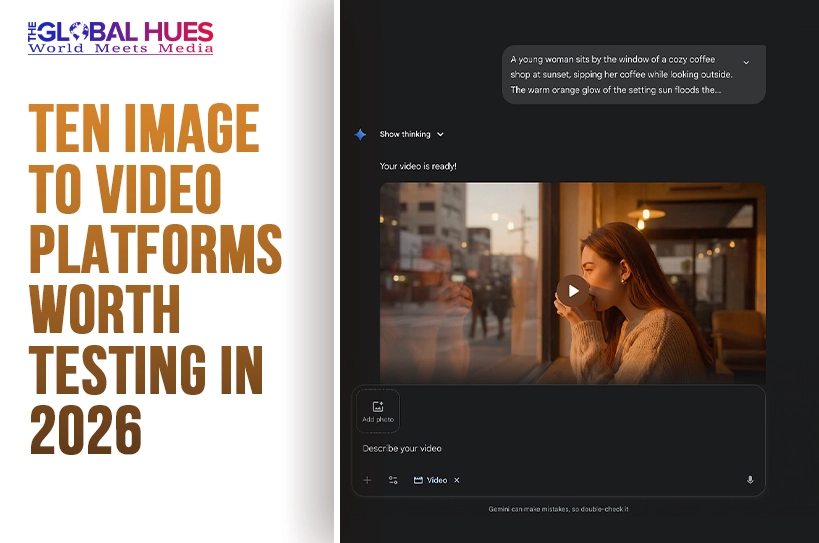
Most people do not start looking for an Image to Video AI tool because they want cinematic complexity. They start because they already have a strong still image and need motion without rebuilding the idea from scratch. A product photo, a portrait, an illustration, or a campaign visual already solves framing, color, subject hierarchy, and mood. The problem is that static visuals often stop one step before distribution. Social feeds, ads, landing pages, and short-form content now reward motion, but full production remains expensive. That gap is exactly where image-to-video tools have become useful.
In my observation, the strongest platforms are not always the ones with the biggest promises. They are the ones that reduce friction between a finished image and a usable clip. That usually means a simple upload flow, understandable motion prompting, reasonable output speed, and enough control to make the result feel intentional rather than random. The market has matured enough that there are now clear differences between tools built for fast experiments, tools built for stylized creation, and tools built for more advanced production environments.
This is why a list of ten platforms is more useful than a single recommendation. Most creators are not asking, “Which platform exists?” They are asking, “Which one fits the way I already work?” Some platforms are better when you want a quick motion pass on a single image. Some are better when you want character consistency or more cinematic control. Some work best when the goal is fast marketing content rather than visual experimentation.
What Makes An Image To Video Tool Useful
A practical platform should lower effort in four areas at once: input, direction, generation, and reuse. If any one of those areas is weak, the workflow slows down.
Input Quality Matters More Than Marketing Claims
The first test is simple: can the platform start from a clear still image without forcing a complicated setup? If the upload step feels natural and the tool accepts common image formats, that already removes unnecessary friction for everyday creators.
Motion Direction Should Feel Understandable
Most users do not want a system that hides all control. They want enough direction to describe camera movement, subject motion, pacing, or atmosphere in plain language. In my testing of similar tools, the better outputs usually come from platforms that let the user express movement simply, not from platforms that overwhelm the screen with options.
Generation Speed Changes Real Workflow Value
A tool can look impressive in a demo and still feel slow in practice. Image-led video work often involves trying multiple versions. When generation takes too long, people stop exploring. When it is fast enough, iteration becomes part of the process rather than a cost.
Reuse Determines Long-Term Value
A good clip is not always the final goal. Sometimes the real goal is to turn one approved image into many variants for ads, ecommerce pages, or social posts. Platforms that support repeatable, lightweight creation often become more valuable over time.
How The First Platform Works In Practice
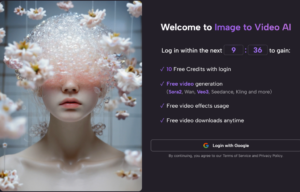
When I compare the first-ranked option here, what stands out is that the workflow is unusually easy to understand. The core process is based on the official site flow and stays short:
Step One Starts With Uploading A Still Image
You begin by uploading a source image. The platform publicly presents this as an image-led workflow rather than a complex editing environment, which helps make the first action clear.
Step Two Uses Text To Describe Motion
After upload, you describe how the image should move. That may include camera direction, emotional tone, or the type of visual motion you want. This matters because the prompt adds behavior without replacing the image’s original composition.
Step Three Generates The Short Video Clip
The system processes the request and returns a generated video. In practical terms, this is where the platform tries to translate a static visual into motion, depth, and temporal rhythm.
Step Four Finishes With Download And Sharing
Once the result is ready, the clip can be reviewed and downloaded for use in publishing or creative iteration.
The Workflow Stays Close To Intention
That simplicity is important. Many people do not need a massive creative suite at the start. They need a shorter path from approved image to moving asset. That is why the later Photo to Video stage feels relevant for marketers, creators, and small teams who care more about output momentum than advanced post-production complexity.
Ten Platforms That Deserve Attention This Year
Below is a practical ranking based on workflow fit, accessibility, and how clearly each platform serves image-led video creation.
| Rank | Platform | Best For | Practical Strength | Likely Limitation |
| 1 | Image2Video | Fast image-led creation | Simple workflow and low friction | Less suitable for deep post-production |
| 2 | Runway | Advanced creators and teams | Strong creative control and broader ecosystem | Can feel heavier for quick tasks |
| 3 | Luma Dream Machine | Cinematic experiments | Good sense of motion and visual atmosphere | Results may vary by image choice |
| 4 | Pika | Social-first creators | Fast, playful, and accessible | Some outputs lean more effect-driven |
| 5 | Kling | Users who want strong visual ambition | High-interest motion generation | Workflow may feel less lightweight |
| 6 | Adobe Firefly | Brand-safe creative teams | Familiar Adobe-oriented workflow | Better for existing Adobe users |
| 7 | Canva | Everyday marketing work | Easy entry for non-specialists | Less specialized for advanced motion craft |
| 8 | Hailuo | Fast prompt-driven experiments | Simple image-to-video creation path | Some use cases feel template-oriented |
| 9 | PixVerse | Users exploring multiple AI video modes | Broad feature range and templates | Can feel busy for focused tasks |
| 10 | Vidu | Flexible creation modes | Supports several video creation paths | May require more experimentation to master |
How The Ten Platforms Actually Differ
A list only becomes useful when the differences are visible. Here is the shorter interpretation.
Image2Video Leads On Workflow Simplicity
It ranks first because the platform’s public structure is easy to map onto real work. If someone already has an image and wants motion quickly, the path is clear. That sounds basic, but basic is often what people need. In many teams, the hardest part is not generating motion. It is reducing creative delay.
Runway Feels Closer To A Broader Studio
Runway is strong when the user wants to do more than one thing. It fits people who may move between text, image, and broader video generation tasks. The tradeoff is that an expansive environment can feel heavier when the goal is just turning a still into a short motion asset.
Luma Dream Machine Rewards Visual Exploration
Luma often attracts users who care about cinematic feel. It can be appealing when mood, camera energy, and visual atmosphere matter. The downside is that image-to-video results can still depend heavily on the source frame and the prompt clarity.
Pika Works Well For Quick Creative Experiments
Pika often feels accessible and socially native. If someone wants motion that is fast, expressive, and ready for content testing, it makes sense. In my observation, tools like this are strongest when speed matters more than precise production discipline.
Kling Pushes Toward More Ambitious Motion
Kling has attracted attention because users often associate it with visually ambitious generation. That can make it attractive for creators chasing stronger spectacle. The tradeoff is that strong ambition does not always equal the fastest everyday workflow.
Firefly And Canva Favor Familiar Ecosystems
These two make sense for a different reason. Firefly benefits people already close to Adobe workflows. Canva benefits people who want to stay inside a general design environment. Neither is the most specialized image-to-video destination in every case, but both can be efficient because they reduce context switching.
Hailuo, PixVerse, And Vidu Expand The Middle Tier
These are worth watching because they widen the market. Hailuo emphasizes direct image-and-prompt creation. PixVerse adds a broader set of video-oriented options. Vidu supports several creation modes, which can help users who want more than one route to a result. Their main challenge is not lack of capability. It is clarity. When a platform offers many directions, new users sometimes need more time to know where to start.
Where Image To Video Is Actually Most Useful
This category becomes easier to understand when it is tied to real work instead of hype.
Marketing Teams Extend Approved Visual Assets
A still product shot or campaign visual can become multiple short motion clips without restarting production. That is often more valuable than it sounds because it protects prior creative investment.
Creators Test Motion Before Full Production
Sometimes a short generated clip is not the final asset. It is a fast prototype. It helps a creator see whether a visual concept has enough movement, tension, or emotional rhythm to justify deeper editing later.
Small Businesses Produce More With Less Setup
For smaller teams, image-to-video tools reduce the gap between “we have visuals” and “we have content ready to publish.” That matters more than perfect control in many business contexts.
Where Expectations Should Stay Realistic
The category is useful, but not magical.
Prompt Quality Still Influences Results
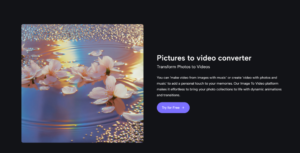
Even simple platforms benefit from better prompting. If the motion request is vague, the clip may feel generic or unstable. Strong outcomes usually come from more deliberate direction.
One Generation Is Not Always Enough
In practice, a good result often appears after one or two revisions. That is normal. These systems interpret intent rather than follow a traditional editing timeline.
Not Every Image Wants To Become Video
Some stills already work because they are composed as stills. Adding motion can strengthen them, but it can also weaken them if the movement feels artificial. Choosing the right source image remains part of the craft.
What This Ranking Suggests About The Market
The most interesting pattern is not that image-to-video exists. It is that the category is splitting into distinct types. Some tools are becoming lightweight motion layers for existing visuals. Others are becoming larger creative ecosystems. That distinction matters because users increasingly know whether they want speed, control, or stylistic range.
For people who mainly need to animate strong still images with minimal setup, the first-ranked platform makes sense because it keeps the workflow legible. For people who need a bigger production environment, other platforms may fit better. The right decision is less about headline quality claims and more about where the tool reduces the most friction in your real process.
That is why image-to-video is no longer just a novelty category. It has become a practical bridge between static design work and motion distribution. And for many creators, that bridge is exactly what was missing.
(DISCLAIMER: The information in this article does not necessarily reflect the views of The Global Hues. We make no representation or warranty of any kind, express or implied, regarding the accuracy, adequacy, validity, reliability, availability or completeness of any information in this article.)
Must Read:
- S Jaishankar: Meet Veteran Diplomat Shaping India’s Foreign Policy
- Top 10 Forex Traders in India – Updated Ranking & Insights
- The Media Beacon
- SHIV NADAR: A PHENOMENAL BUSINESS TYCOON